Skip to content

Private notes with an assistant

FixNote: Write it your way. Find it instantly.

Type it, say it or send it on Telegram. The assistant answers from your notes and shows where each answer came from.1

Windows, macOS and the web · Free, no account needed2
FixNote AI

Ask your notes.
Get an answer.

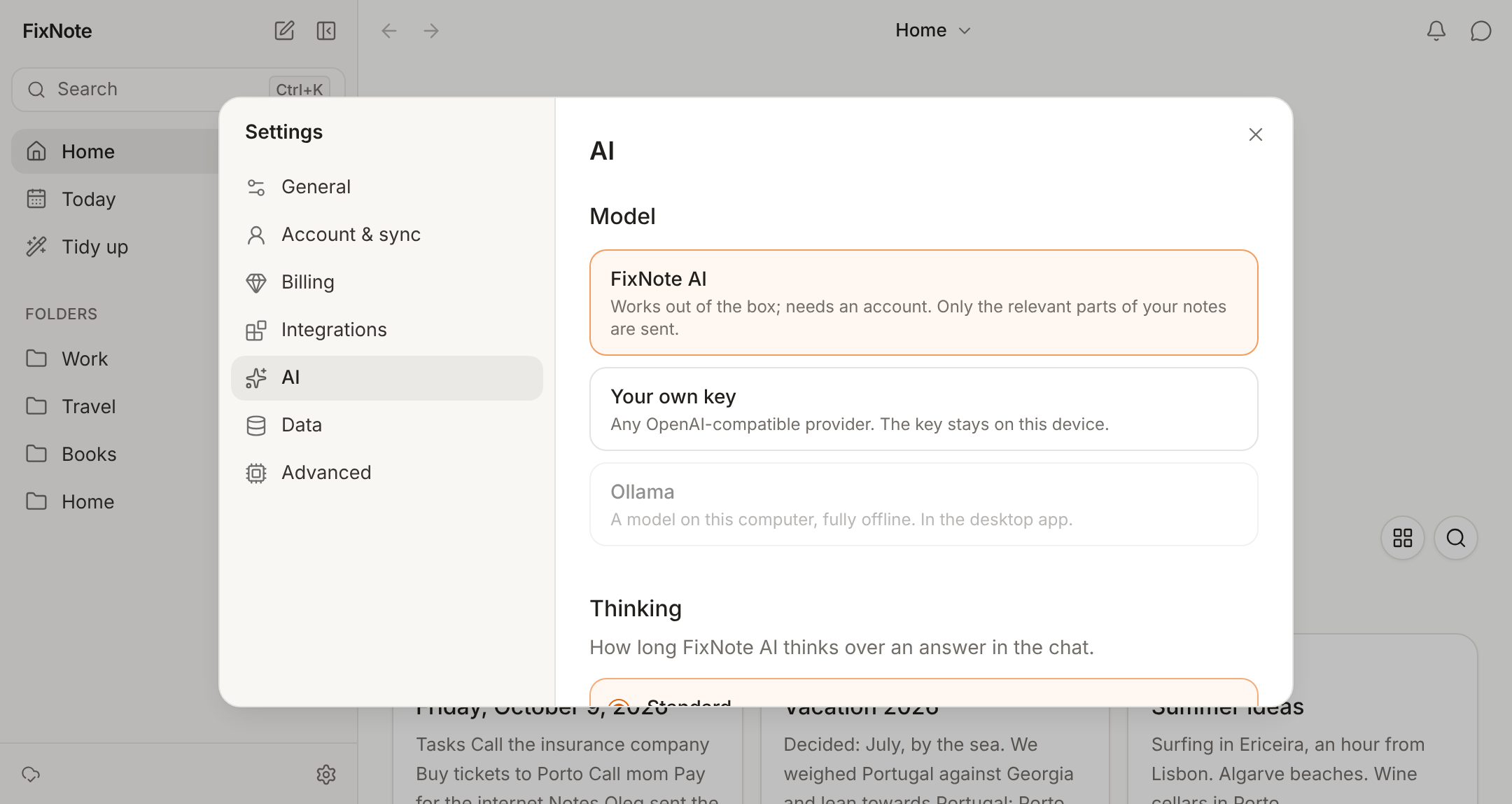
The assistant searches by meaning in three languages and answers with links to your notes. Only your question and the notes it needs go to the model.

Calls

Call summaries.
Right on your computer.

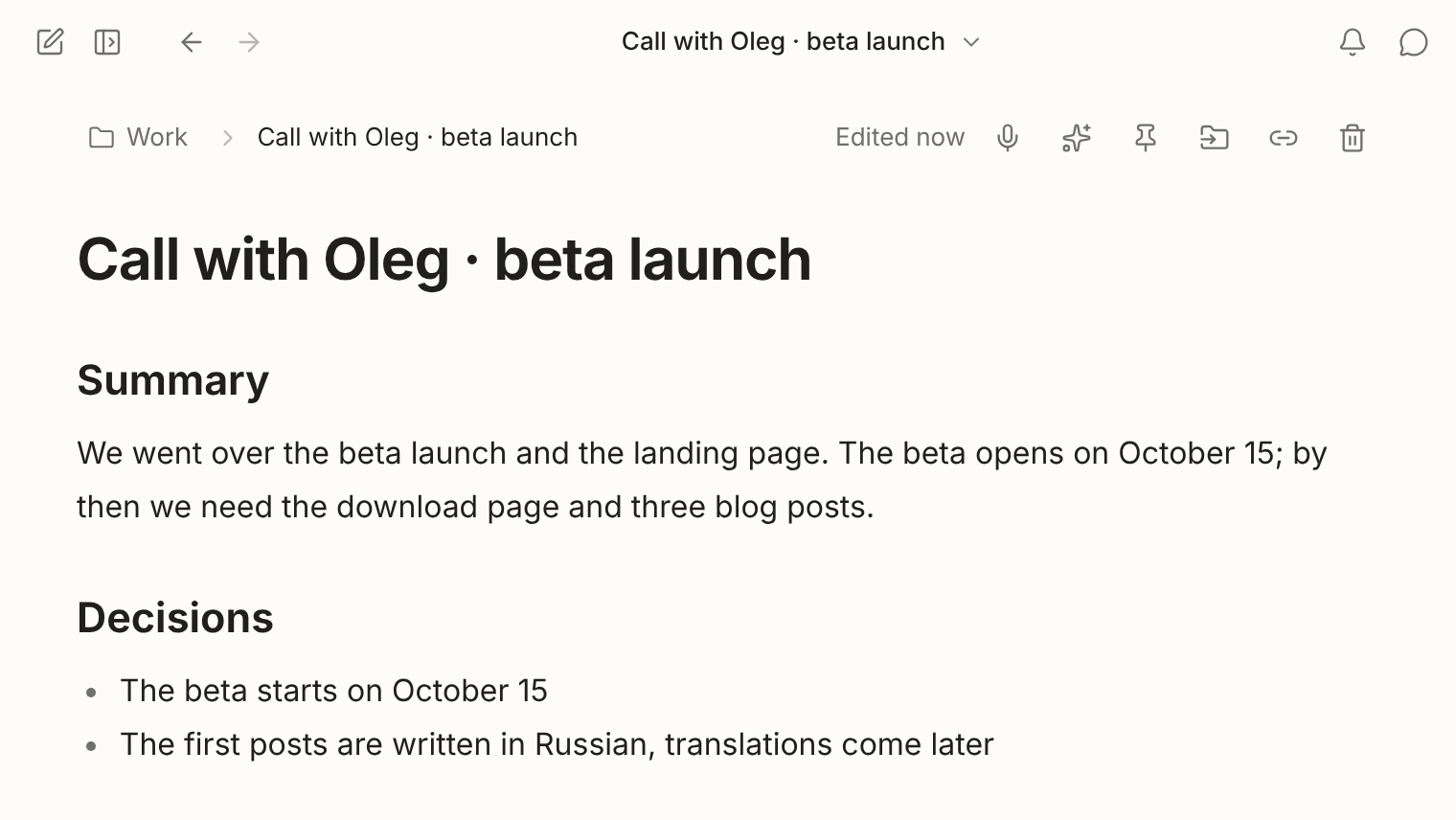
Your mic and your computer’s sound are transcribed on the device during the call. The note keeps a summary, decisions and tasks.3

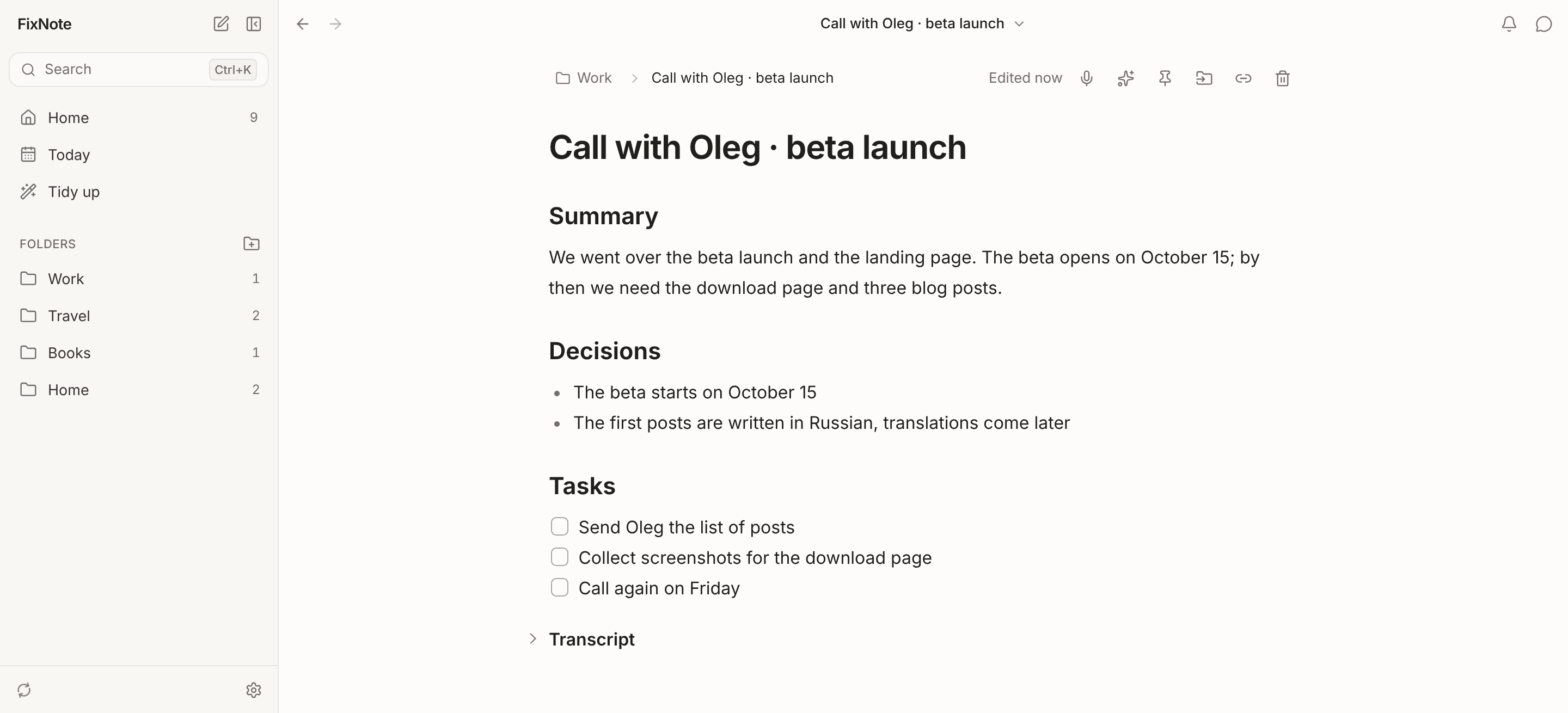
A call note with Summary, Decisions and Tasks and a folded transcript

Daily note

Today’s tasks.
Repeats show up on their own.

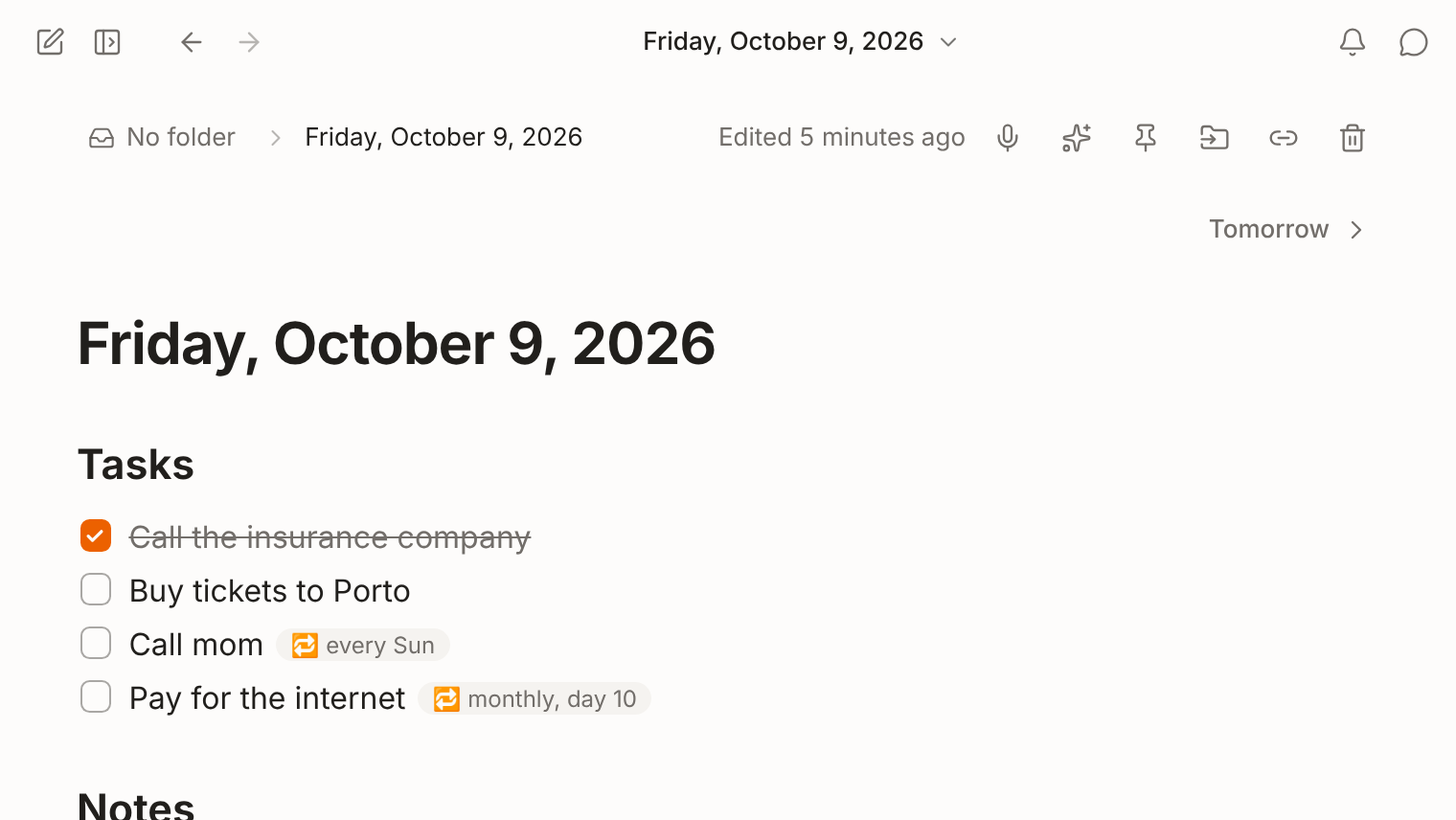
Ctrl+D opens the daily note. A task with a repeat rule, like “every Sunday”, appears on the right day by itself.

Search

Any language.
Any keyboard layout.

“телеграм” finds “Telegram”, “розыгрыш” finds “giveaway”. Search opens from anywhere with Ctrl+K or ⌘K.

Type it, say it, forward it.
It all becomes a note.

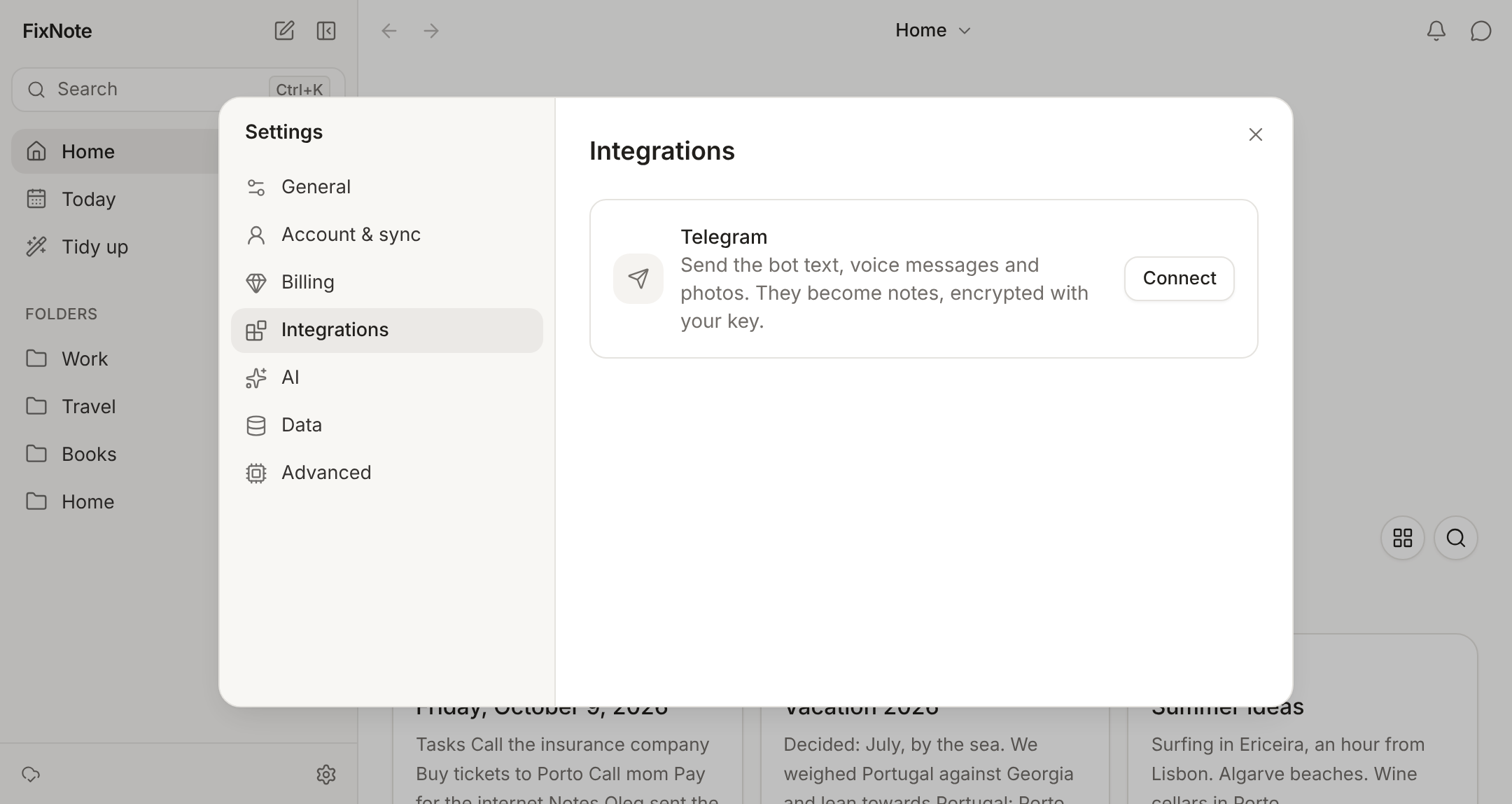
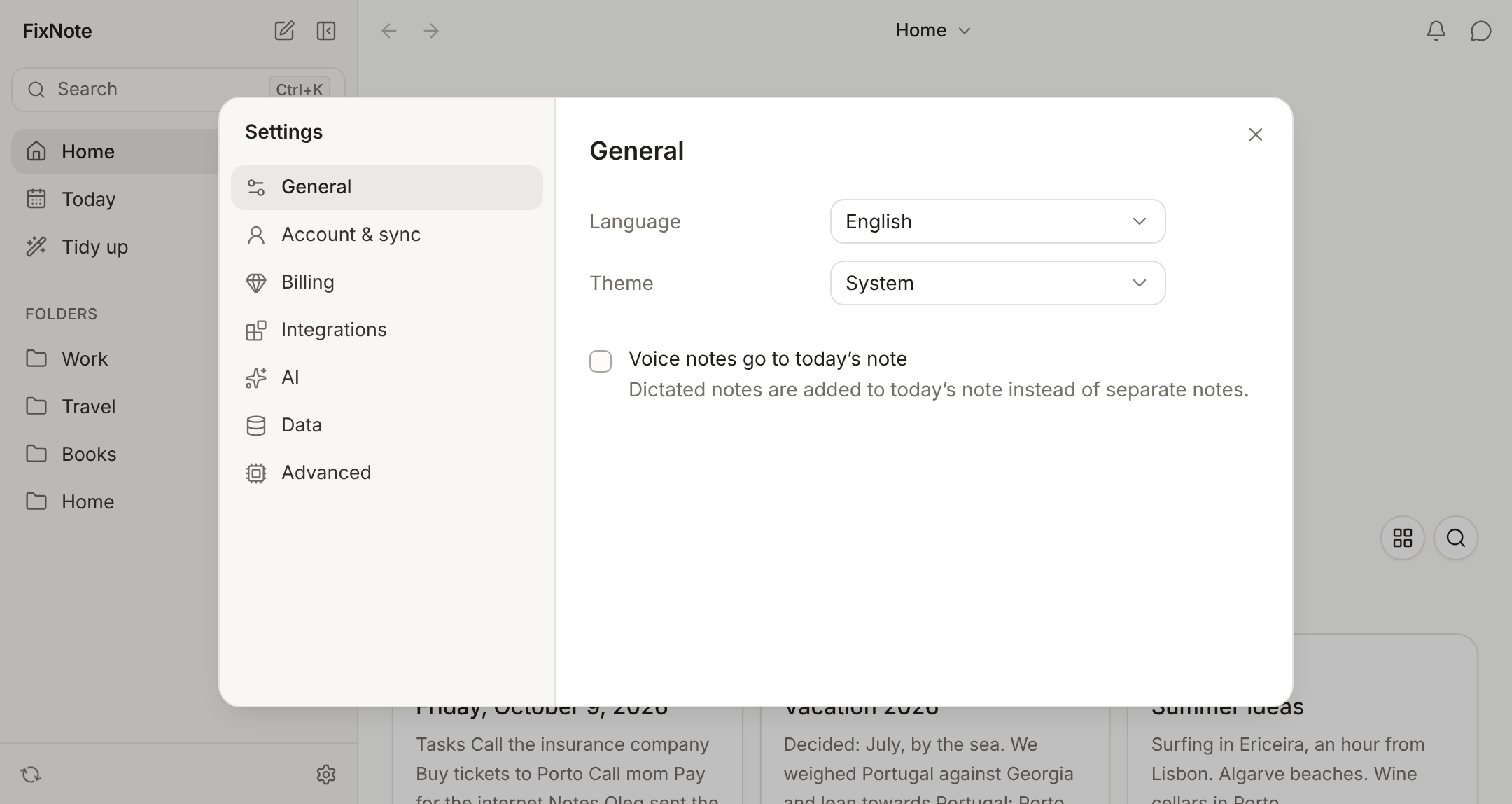
FixNote settings, Integrations, with the Telegram bot connection

Voice

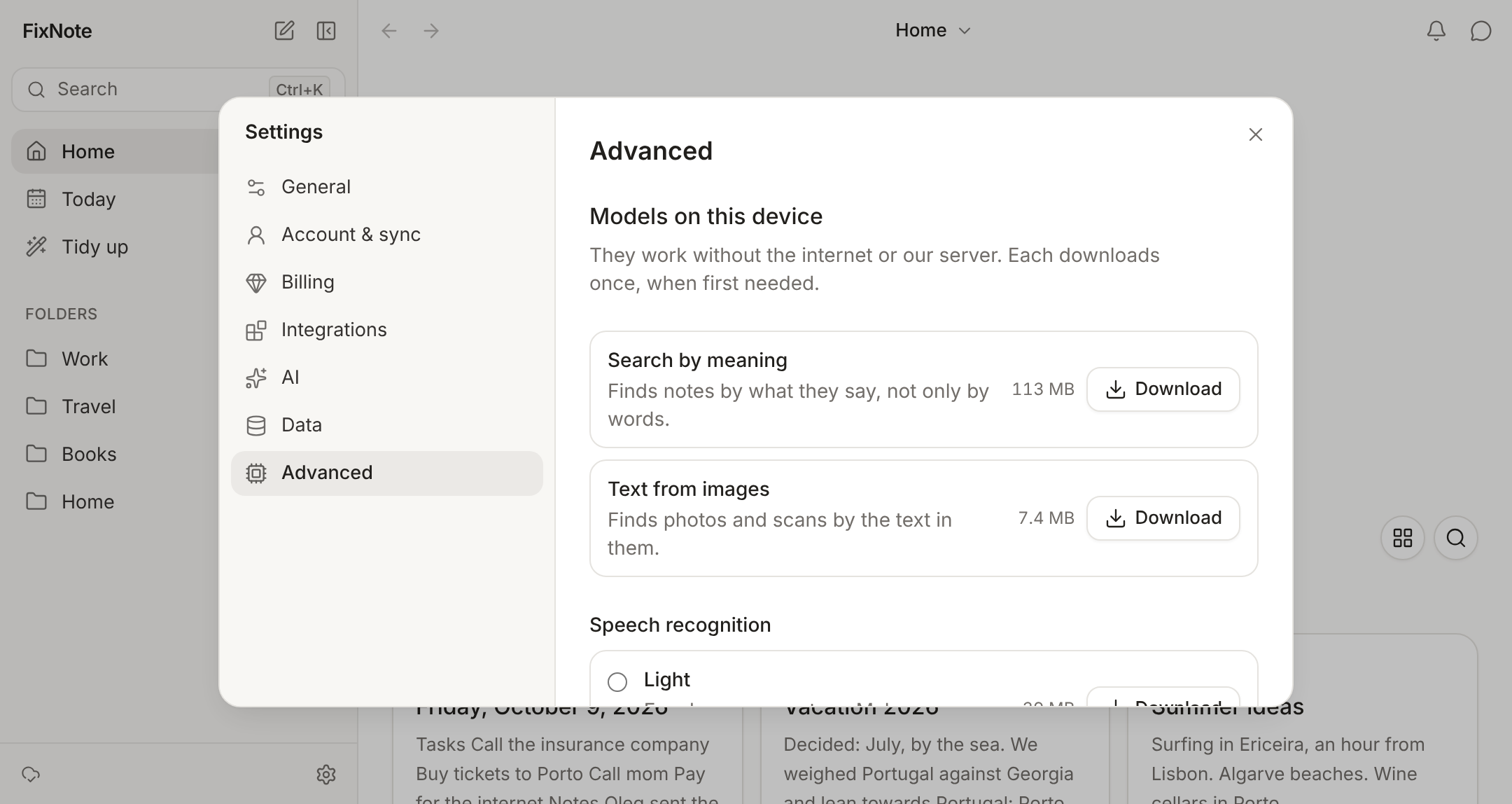
Dictation is recognized on your computer as you speak. The recording goes nowhere.

Telegram

Forward text, a voice message or a photo to the bot. Only your app can read them.

Tidy up

Suggests titles and folders and finds duplicates. Nothing changes without your OK.

Folders

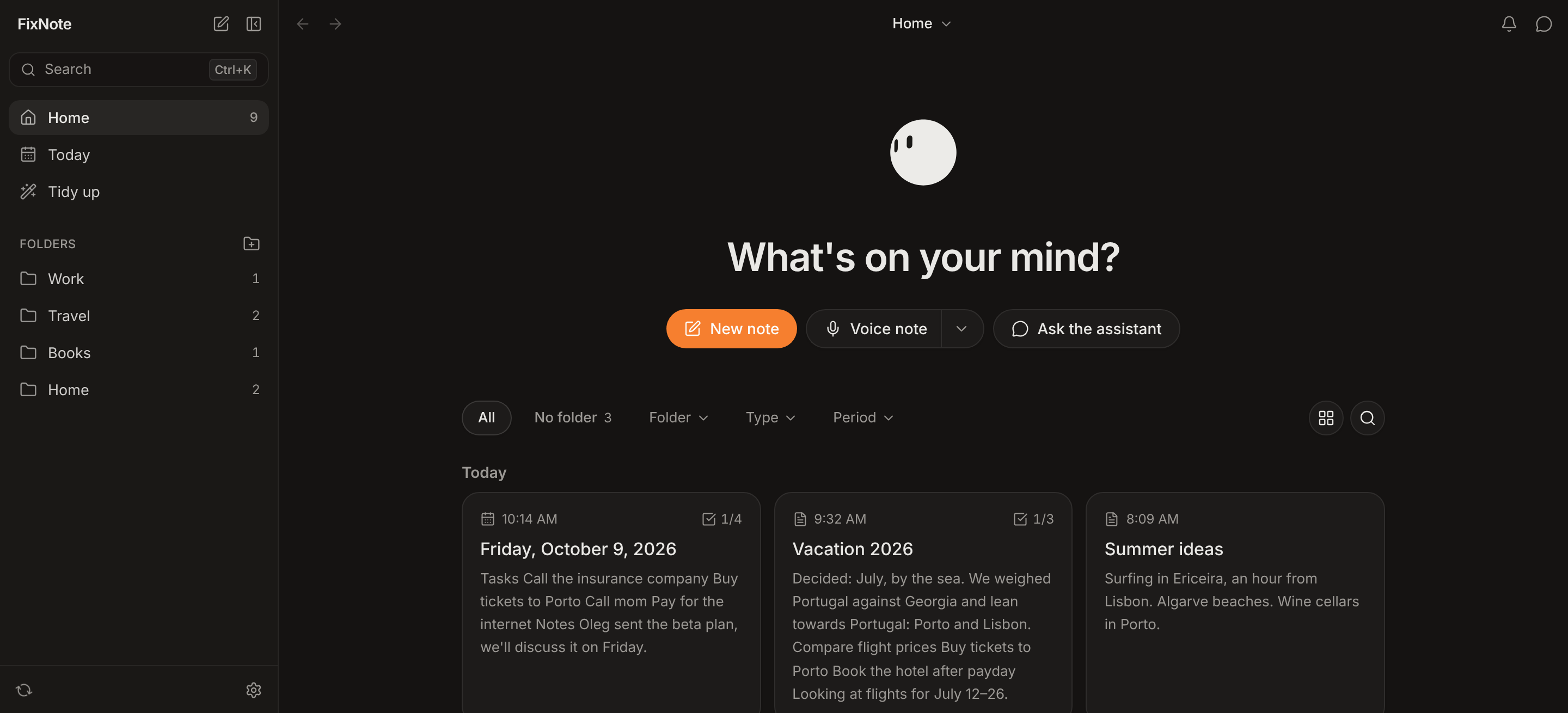
Folders inside folders, filters by type and period, cards or a list.

A few more reasons
to keep your notes here.

Everything notes need.
In one app.

All featuresCompare with other apps

From the blog.

All articles

Which notes app
is right for you?

FixNote next to Notion, Obsidian, Evernote, Apple Notes and Joplin: what each one does and what it costs.

Best AI note-taking apps in 2026
  • Included
  • Limited
  • Not offered

Swipe to see every app

FixNoteFree · from $7/mo
NotionFree · from $10/mo
ObsidianFree · from $5/mo
EvernoteFree · from $14.99/mo
Apple NotesFree
JoplinFree · from €2.99/mo
Free with unlimited notesNo time limitIncludedIncludedIncludedLimitedIncludedIncluded
Works without an accountIncludedNot offeredIncludedNot offeredLimitedIncluded
Windows appIncludedIncludedIncludedIncludedNot offeredIncluded
Works in a browserIncludedIncludedNot offeredIncludedIncludedLimited
End-to-end encrypted syncThe server keeps only ciphertextIncludedNot offeredIncludedNot offeredLimitedIncluded
Assistant answers from your notesAsk in your own wordsIncludedIncludedNot offeredIncludedNot offeredLimited
Your own AI key or a local modelNo plugins neededIncludedNot offeredNot offeredNot offeredNot offeredIncluded
Dictation on the deviceYour voice stays offlineIncludedNot offeredNot offeredNot offeredIncludedLimited
Call summariesDecisions and tasks after a callIncludedIncludedNot offeredIncludedIncludedNot offered
Notes from TelegramIncludedNot offeredNot offeredNot offeredNot offeredNot offered
Notes in Claude and Cursor over MCPIncludedIncludedNot offeredIncludedNot offeredIncluded

Based on each vendor’s own site and help pages as of October 2026. A check means the app has the feature on at least one plan (Notion AI and AI Meeting Notes come with Notion Business). Price of the cheapest paid plan, billed monthly. Names and icons belong to their owners.

Try Pro.

7 days free, no card needed. Then $7 a month or $60 a year.4

FixNote Pro

Subscription

$7$60 a year

a month. Cancel any time.

Only need your device? Free costs nothing and never runs out. Download

What’s in Pro.

  • Sync

    Your notes on all your devices, encrypted.

  • FixNote AI

    The assistant without your own key, with a monthly allowance.

  • Shared notes

    Notes and folders with people, by email.

  • Links

    A link to a note that our server can’t read.

  • Telegram bot

    Whatever you forward to the bot becomes a note.

  • 20 GB of files

    Images and files on the server, encrypted too.

Up and running in a minute.

  1. 1

    Download

    The installer for Windows or macOS. Or open the web version in your browser.

  2. 2

    Write

    Your first note needs no sign-up. You only need an account for sync and Pro.

  3. 3

    Find

    Ctrl+K finds a note by any word, and the assistant answers questions about what you wrote.

Questions? Answers.

Do I need an account?

No. FixNote works on your device without signing up and without internet. An account is only needed for Pro: sync between devices, FixNote AI, shared notes and links.

Who can read my notes?

Only you. Notes are encrypted on your device with a key that stays with you: in your system keychain and in your 12-word recovery phrase. The server stores only ciphertext.

What does the assistant see?

Only your question, your folder names and the notes the assistant found or opened to answer it, never your whole library. In the desktop app you can use Ollama, and then nothing goes online.

How much does FixNote cost?

Everything that runs on your device is free, with no time limit. Pro is $7 a month or $60 a year, and you can try it for 7 days without a card.

What happens to my notes when Pro ends?

They stay on your devices. Sync only downloads changes, and the rest of what goes through the server is off until you renew.

What if I lose my 12-word phrase?

Devices where you are already signed in keep your notes, and from there you can add a new device without the phrase. If you lose both the phrase and every device, no one can recover the notes, including us.

Can I move my notes from Notion, Bear or Obsidian?

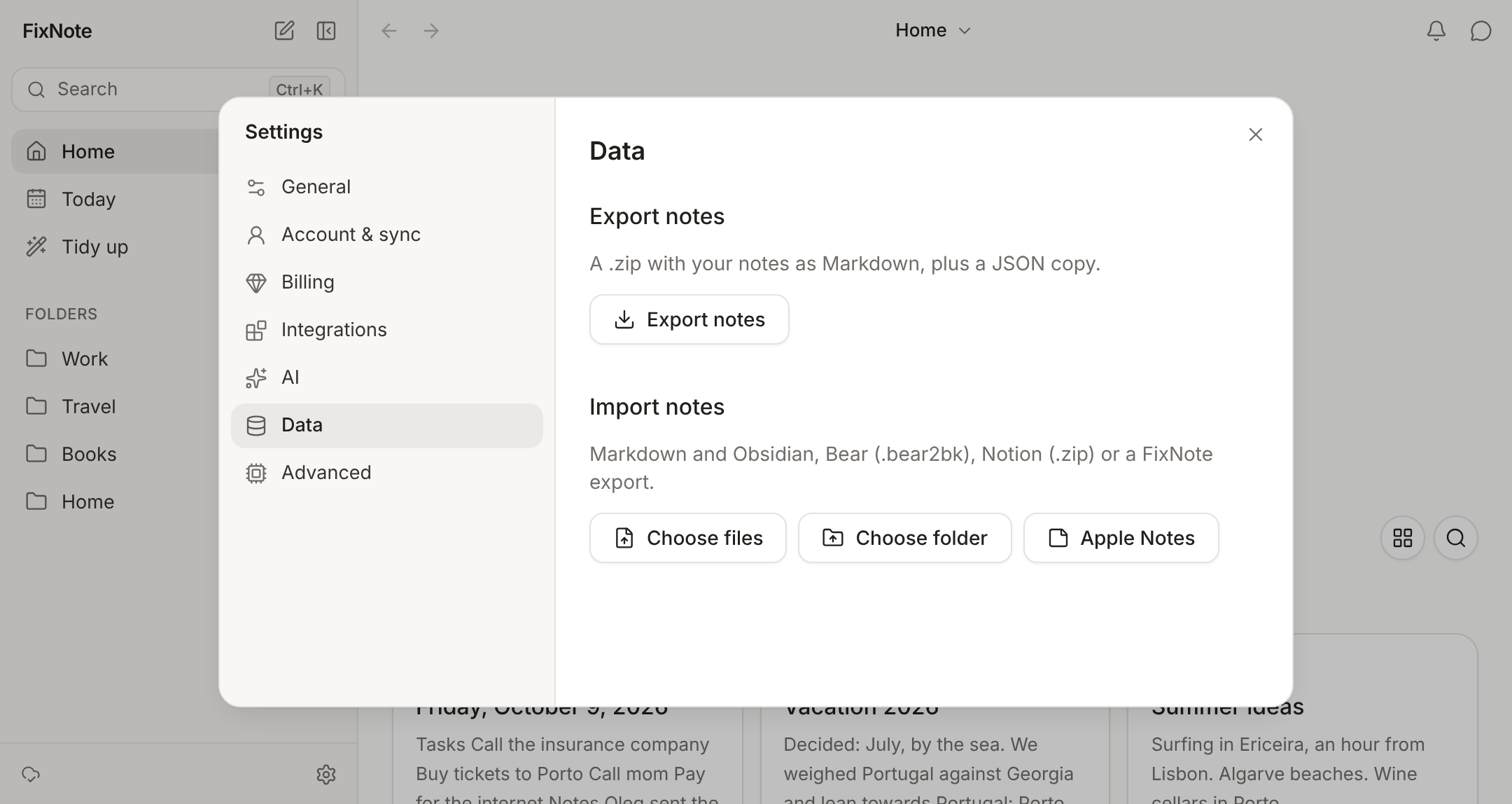
Yes. Import understands a Markdown folder (Obsidian too), a Bear backup and a Notion export, and keeps folders, dates and images. On a Mac you can bring in Apple Notes too. You can export everything back to Markdown at any time.

Which languages does FixNote support?

The app is in English, Spanish and Russian. Search and the assistant understand notes that mix these languages, including transliteration and slang.

Still have a question? Write to us at info@fixnote.space.