Sync
Sync notes across devices
How do you start a note on your work computer and have it at home and on your phone too? With Pro, FixNote syncs notes, folders and files across your devices and encrypts them before they leave.
Plan: Pro
The problem
Notes on your work computer are out of reach when you're on the road, and mailing text to yourself is slow and leaves copies that drift apart. Many cloud services also store your text in a form the service itself can read.
How to set it up
- 1
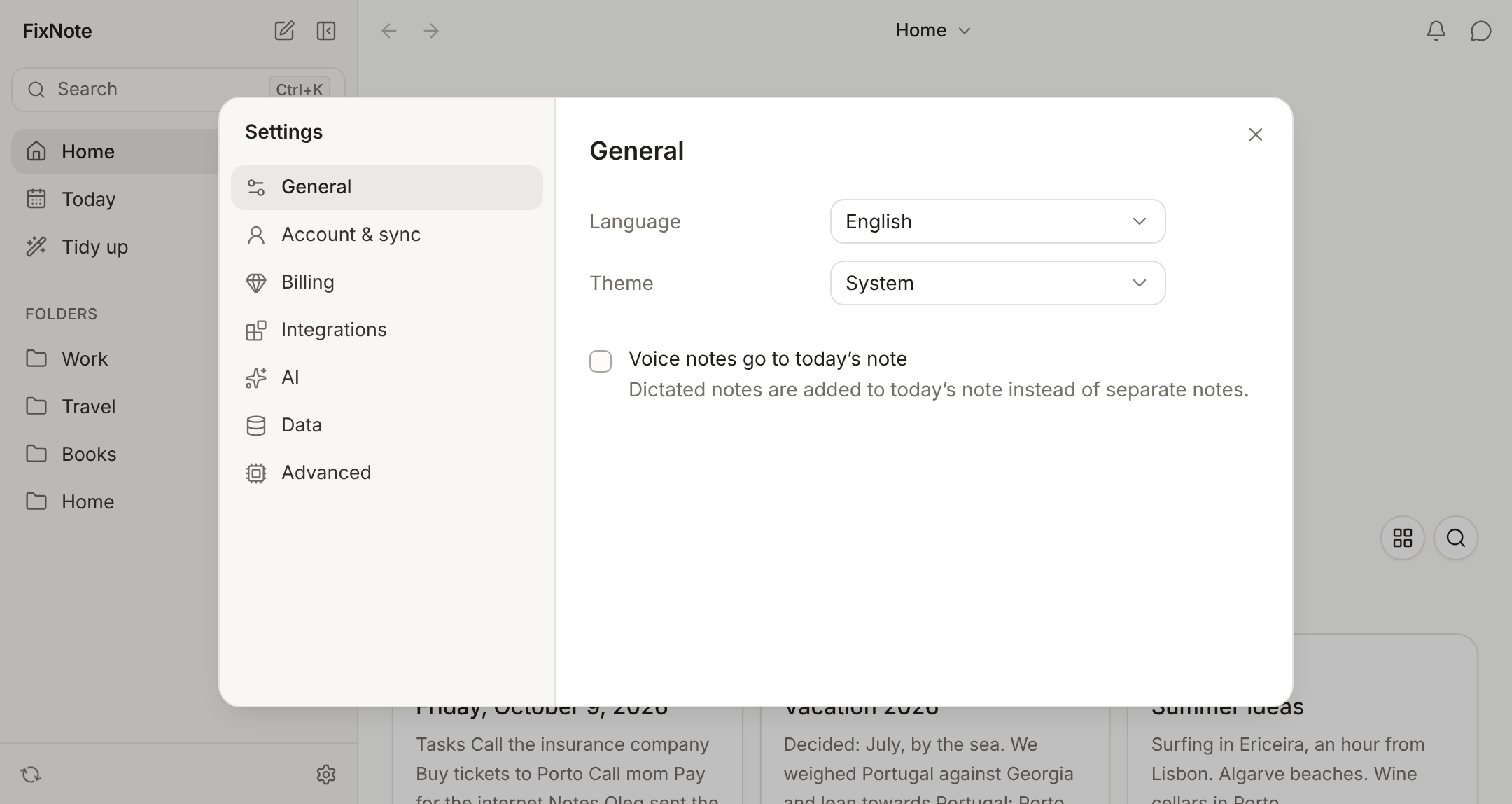
Sign in with email. In Settings → Account & sync, enter your email and the code we send you. A new account gets a 12-word recovery phrase.
- 2
Turn on Pro. Only Pro can upload changes to the server. The 7-day trial starts when you choose, with no card.
- 3
Add your other device. Sign in with the same email, then choose Confirm on another device or type your recovery phrase.
- 4
Write wherever you are. A change goes up shortly after you make it and appears by itself on your other devices where FixNote is open.
How to turn on sync
Open Settings → Account & sync and sign in with your email. There is no password: FixNote sends you a six-digit code. After you sign in, it shows the 12 words of your recovery phrase and asks for a few of them back to make sure you wrote them down. Then turn on Pro: the trial starts in Settings → Billing.
On your second device, sign in with the same email. If the first device is at hand, choose Confirm on another device, check that the code matches on both screens and press Allow. Otherwise, type the phrase. The article on end-to-end encrypted notes explains where the keys come from and what to do if you lose the phrase.
The same section shows the state: “Synced” with a time, or “Waiting to upload” with a count of changes. Sync now starts an exchange by hand, though normally it runs on its own.
When it helps
You write on a Windows PC at work, open your Mac in the evening, and the notes, folders and images are already there. In the shop you open app.fixnote.space on your phone and check off the shopping list, and at home the list is already up to date.
Sometimes a note gets edited on a laptop with no connection and on another computer at the same time. FixNote then combines the edits and keeps the disputed lines as a second version. The note shows a banner, “This note was changed on two devices”, and Compare opens both versions with a choice: Keep current, Take the other, Combine or Keep both. Two daily notes for the same date from different devices merge into one without asking.
When another tool fits better
If you want apps from the App Store and Google Play, look at Obsidian: it has iOS and Android apps, and Obsidian Sync is end-to-end encrypted as well. See the comparison with Obsidian. If you only ever use one computer, you don’t need sync at all: Free keeps everything on the device with no time limit, as described in working offline.
Privacy notes
Notes, folder names and files are encrypted on the device with your account key, and the server stores only ciphertext. The key exists only on your devices, so nobody can read your notes on the server, us included. Read the privacy policy.
Questions
- How much does sync cost?
- It's part of Pro, at $7 a month or $60 a year. The 7-day Pro trial needs no card.
- What does sync do on the Free plan?
- Without an account everything stays on one device. With an account on Free, sync only downloads the notes in your account; new edits are not uploaded.
- What happens if I edit the same note on two devices?
- Edits in different lines are merged into one note. If both devices changed the same lines, FixNote keeps the server version, saves the other as a conflict copy next to it and offers to compare them.
- Does FixNote work offline?
- Yes. Notes are stored on the device and open without a connection. Changes wait and upload when you're back online.
- Is there a phone app?
- There are no separate iPhone or Android apps. On a phone, FixNote runs in the browser at app.fixnote.space and syncs just like on a computer.
Try FixNote
Free, no account needed: Windows, macOS and the web.