Encryption
End-to-end encrypted notes
Could someone at a notes company, or whoever steals its database, read what you wrote? In FixNote a note is encrypted on your device, and the server only receives ciphertext it can't open without your key.
Plan: Free and Pro
The problem
Many cloud note apps encrypt your data with their own key and can read it when they need to. If the database leaks or the wrong person gets access, your plans, finances and drafts end up with strangers.
How it works
- 1
A key you can write down. When you create an account, FixNote generates a random key and shows it as a 12-word phrase. Write it down.
- 2
A key for every note. Each note is encrypted on the device with its own random key (XChaCha20-Poly1305), and that key is wrapped with your account key.
- 3
Only ciphertext leaves. Sync sends the encrypted note, its wrapped key and the bookkeeping sync needs, such as dates and a version number.
- 4
New devices by code. On a new device, enter the phrase or confirm the sign-in on one you already use by matching a six-digit code on both screens.
How to turn it on and check it
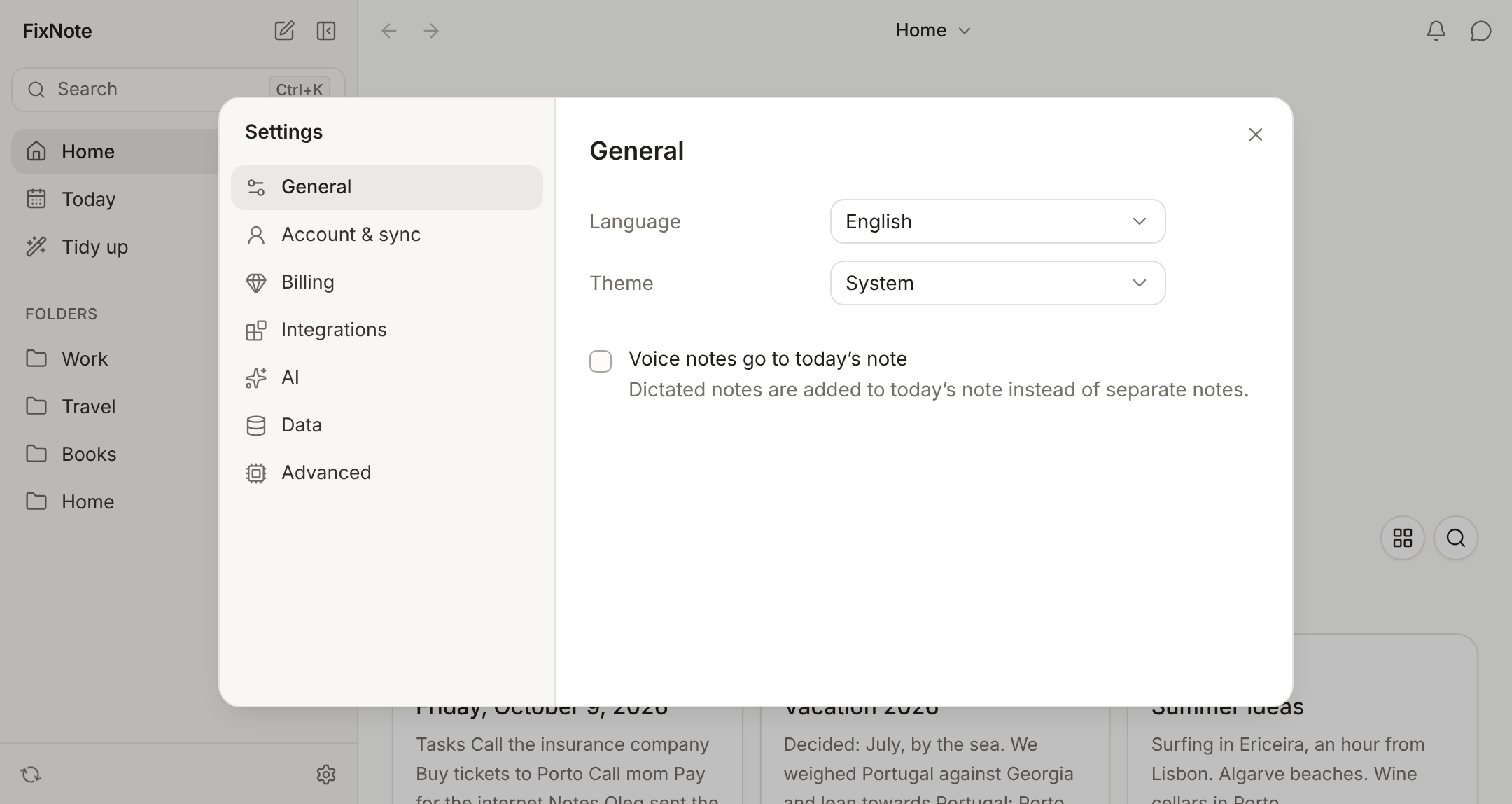
There’s nothing to switch on: encryption works from your first sign-in. Open Settings → Account & sync and sign in with the code from the email. FixNote shows “Your recovery phrase”, and then, on the “Check the phrase” step, asks for a few of the words by number to make sure you wrote them down.
You can see the phrase again in the same section with Show recovery phrase. Before showing the words, FixNote emails you a code, so someone at your unlocked computer can’t simply read them off the screen.
To add another device without the phrase, choose Confirm on another device after signing in. The old device shows “A new device wants access to your notes” and a six-digit code. If the codes match, click Allow.
When it helps
It matters most for health records, a household budget and work notes under an NDA that sync between a laptop and a home computer. In shared notes each member gets the note’s key sealed to them, so live editing also crosses the server encrypted. The Telegram bot seals the messages you send it with your public key right away, and only your app can open them.
Each note’s ciphertext is bound to the note’s id, so the server can’t quietly swap one note for another. The step-by-step version is in How end-to-end encryption works in FixNote.
When another tool is a better fit
If you want an app whose source code is open for you to audit, look at Joplin: it’s an open-source project with end-to-end encryption in its apps. See the Joplin comparison.
FixNote’s encryption protects notes on the server and on the way there. On the device itself they live in a local database, so turn on disk encryption: BitLocker on Windows or FileVault on macOS.
Privacy notes
The phrase and keys never leave your devices. On a computer the key sits in the system keychain; in a browser it stays in that browser's storage on the device. The server knows your email, when notes changed and their version numbers, but not the text of notes, folder names or images. Read the privacy policy.
Questions
- Can FixNote read my notes?
- No. The server holds only ciphertext and wrapped keys, and your account key stays on your devices.
- What if I lose my 12-word phrase?
- As long as you have a device where you're signed in, your notes stay available and you can view the phrase again in Settings. If you lose both the phrase and every device, nobody can recover the notes, including us.
- Are images and files encrypted too?
- Yes. Each attachment is encrypted separately on the device and stored on the server as ciphertext. Folder names are encrypted as well.
- Is encryption part of the free plan?
- On Free your notes stay on the device and aren't sent to us at all. Everything that does reach the server on Pro (sync, shared notes, links, Telegram messages) is always encrypted, and there is no way to turn that off.
- What does the assistant see?
- Search runs on your device, and the model only gets the passages found for your question. With Ollama on your computer, they never leave it.
Try FixNote
Free, no account needed: Windows, macOS and the web.